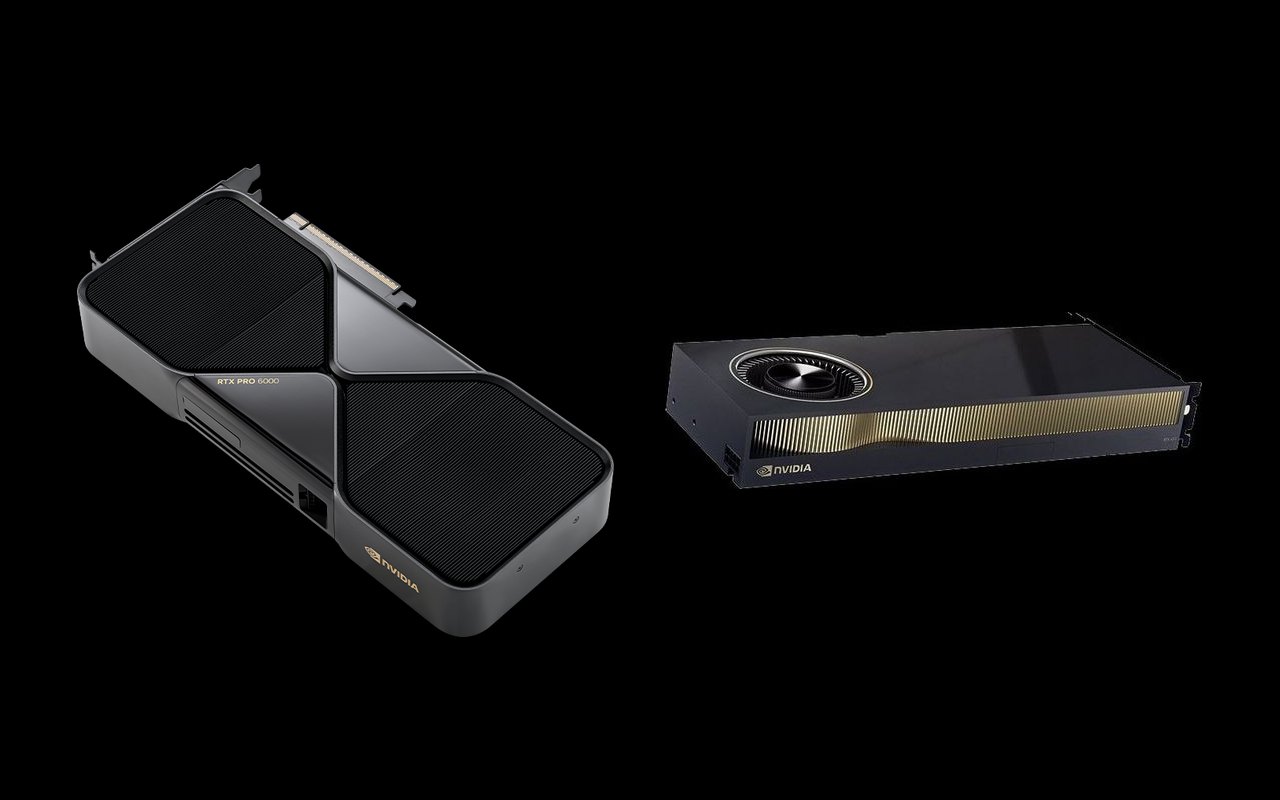
The NVIDIA RTX PRO 6000 Blackwell and the RTX 6000 Ada Generation represent two generations of NVIDIA's flagship workstation GPU. Both are designed for professionals who demand the absolute best in AI, rendering, and simulation, but they differ significantly in architecture, memory technology, and AI capabilities.
If you're specifying a new workstation or considering an upgrade, this comparison will help you understand exactly what the Blackwell generation brings and whether the premium is justified for your workflow.
Specifications Comparison
| Specification | RTX PRO 6000 Blackwell | RTX 6000 Ada |
|---|---|---|
| Architecture | Blackwell | Ada Lovelace |
| CUDA Cores | 24,064 | 18,176 |
| Tensor Cores | 752 (5th Gen) | 568 (4th Gen) |
| RT Cores | 188 (4th Gen) | 142 (3rd Gen) |
| Memory | 96 GB GDDR7 ECC | 48 GB GDDR6 ECC |
| Memory Bandwidth | 1,792 GB/s | 960 GB/s |
| FP32 | 125 TFLOPS | 91.1 TFLOPS |
| AI Performance | 4,000 TOPS (FP4) | 1,457 TFLOPS (FP8) |
| RT Performance | 380 TFLOPS | 210.6 TFLOPS |
| TDP | 600W | 300W |
| PCIe | Gen 5 x16 | Gen 4 x16 |
| Display | 4x DP 2.1 | 4x DP 1.4a |
The Blackwell Advantage: AI Performance
The most dramatic difference is in AI capabilities. The RTX PRO 6000 delivers 4,000 TOPS of FP4 AI performance, a completely different class than the RTX 6000 Ada's 1,457 TFLOPS at FP8. This isn't an incremental upgrade; it's a generational leap that enables entirely new on-workstation AI workflows.
With the RTX PRO 6000, professionals can run large language models, perform complex AI inference, and fine-tune models locally, workflows that were cloud-only just a year ago.
Memory: Double the Capacity
The RTX PRO 6000's 96GB of GDDR7 memory is exactly double the RTX 6000 Ada's 48GB. For professionals working with massive 3D scenes, complex CAD assemblies, or large AI models, this eliminates the most common performance bottleneck: running out of GPU memory.
The memory bandwidth jump from 960 GB/s to 1,792 GB/s (1.87x) ensures this larger memory pool can be utilized at full speed.
Traditional Workstation Performance
For rendering, simulation, and CAD, the RTX PRO 6000 offers a healthy but less dramatic improvement. FP32 compute goes from 91.1 to 125 TFLOPS (1.37x), and ray tracing performance from 210.6 to 380 TFLOPS (1.8x). These are meaningful gains, but the RTX 6000 Ada already handles most professional workloads exceptionally well.
The Power Question
The RTX PRO 6000's 600W TDP is double the RTX 6000 Ada's 300W. This has real implications for workstation design, you need a chassis and power supply that can handle this thermal load. The Max-Q variant (300W) addresses this for multi-GPU and dense configurations, though with reduced peak performance.
When to Choose Each
Choose the RTX PRO 6000 Blackwell if:
- AI is a primary workstation use case, local LLM inference, model fine-tuning, AI-assisted design
- Your 3D scenes or datasets regularly exceed 48GB of GPU memory
- You need the absolute fastest ray tracing and rendering performance
- Your workstation can accommodate 600W GPU power (or choose the Max-Q variant)
Choose the RTX 6000 Ada if:
- Your primary workloads are CAD, rendering, and simulation, not heavy AI
- 48GB of memory is sufficient for your projects
- Power and cooling constraints favor a 300W GPU
- Budget optimization is important and the Ada delivers enough performance
- You need broad ISV certification with a proven, mature driver ecosystem
The Bottom Line
The RTX PRO 6000 Blackwell is the clear winner for AI-centric workstation workflows, its 4,000 TOPS and 96GB memory create an entirely new tier of local AI capability. For traditional professional visualization, the RTX 6000 Ada remains excellent and more power-efficient.
The real question is whether your workflow has crossed the AI threshold. If AI is becoming a meaningful part of your daily work, the RTX PRO 6000 is an investment in the future. If your work is primarily traditional CAD and rendering, the RTX 6000 Ada delivers outstanding value.
Need help deciding between these two GPUs? Contact us for a workstation configuration recommendation based on your specific workflow.