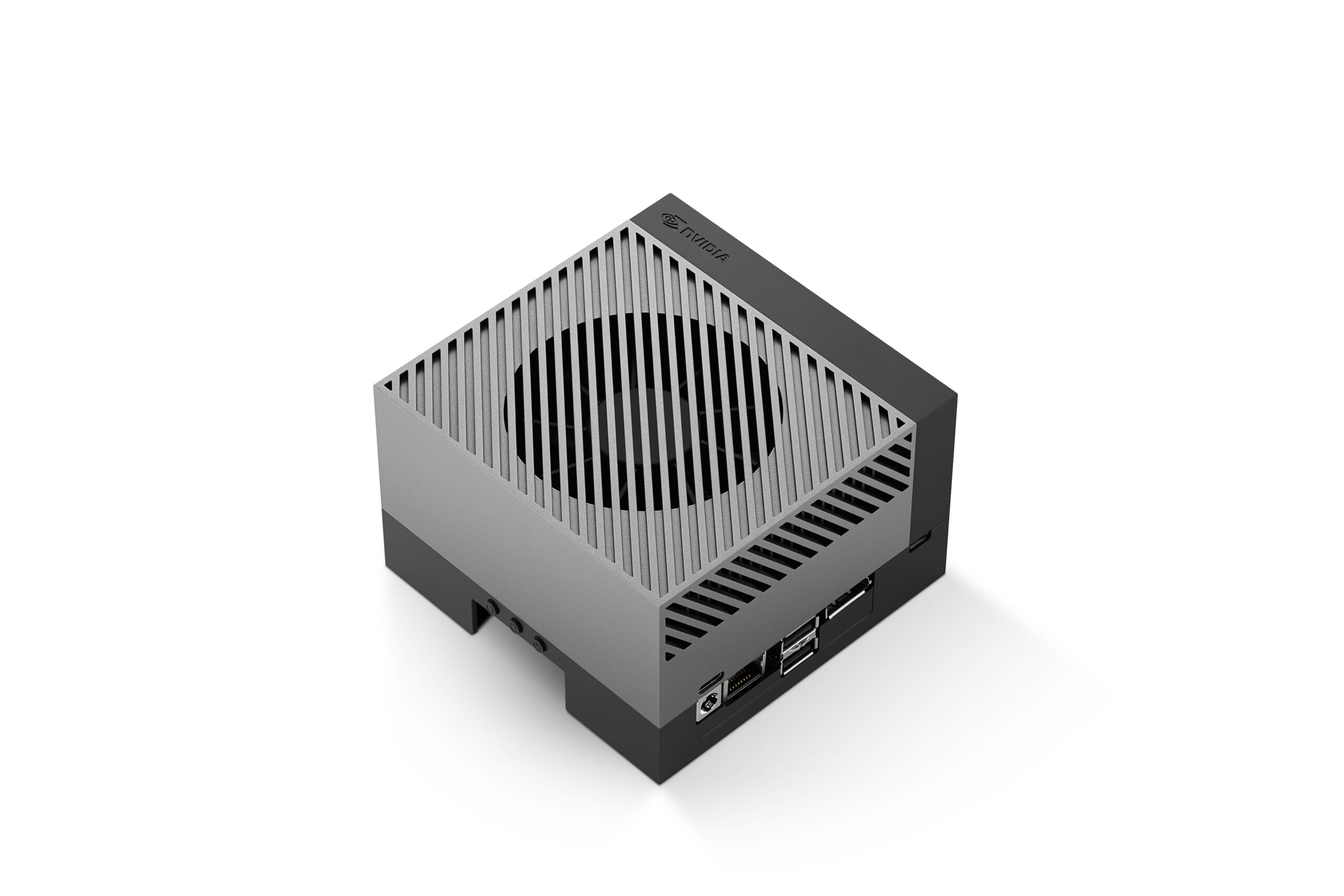
Running TensorRT on Jetson AGX Orin: Step-by-Step Optimization Guide
TensorRT is NVIDIA’s high-performance inference optimizer and runtime. On Jetson AGX Orin, it can deliver 2-5x faster inference compared to running models in their native frameworks (PyTorch, TensorFlow) by fusing layers, optimizing memory access patterns, and leveraging the GPU’s Tensor Cores at reduced precision.
This guide walks you through the complete TensorRT optimization pipeline on Jetson AGX Orin, from exporting your model to running optimized real-time inference.
Prerequisites
- Jetson AGX Orin Developer Kit with JetPack installed
- A trained AI model (we’ll use a YOLOv8 object detection model as our example)
- Python 3.8+ with pip
Step 1: Export Your Model to ONNX
TensorRT works with models in ONNX (Open Neural Network Exchange) format. Most frameworks support ONNX export:
# PyTorch example - export YOLOv8
from ultralytics import YOLO

model = YOLO('yolov8n.pt')  # Load a pretrained model
model.export(format='onnx', imgsz=640, opset=17)
# Creates yolov8n.onnx
Step 2: Convert ONNX to TensorRT Engine
Use the trtexec tool (included with JetPack) to build an optimized TensorRT engine:
# FP16 optimization (best balance of speed and accuracy)
/usr/src/tensorrt/bin/trtexec   --onnx=yolov8n.onnx   --saveEngine=yolov8n_fp16.engine   --fp16   --workspace=4096

# INT8 optimization (maximum speed, requires calibration)
/usr/src/tensorrt/bin/trtexec   --onnx=yolov8n.onnx   --saveEngine=yolov8n_int8.engine   --int8   --calib=calibration_cache.bin   --workspace=4096
Engine building takes several minutes as TensorRT profiles every layer to find the optimal execution strategy for the AGX Orin’s GPU.
Step 3: INT8 Calibration (Optional but Recommended)
INT8 quantization can double inference throughput with minimal accuracy loss, but requires a calibration dataset, a representative sample of your real-world input data:
import tensorrt as trt
import numpy as np

class CalibrationDataset:
    def __init__(self, data_dir, batch_size=8):
        self.data = self._load_images(data_dir)
        self.batch_size = batch_size
        self.index = 0

    def get_batch(self):
        if self.index >= len(self.data):
            return None
        batch = self.data[self.index:self.index + self.batch_size]
        self.index += self.batch_size
        return [batch]

# Use 500-1000 representative images for calibration
# The calibration process runs inference and collects
# activation statistics to determine optimal INT8 ranges
Step 4: Run Inference with the TensorRT Engine
import tensorrt as trt
import pycuda.driver as cuda
import pycuda.autoinit
import numpy as np
import cv2

# Load the TensorRT engine
logger = trt.Logger(trt.Logger.WARNING)
with open('yolov8n_fp16.engine', 'rb') as f:
    engine = trt.Runtime(logger).deserialize_cuda_engine(f.read())

context = engine.create_execution_context()

# Allocate buffers
input_shape = (1, 3, 640, 640)
output_shape = engine.get_binding_shape(1)

d_input = cuda.mem_alloc(np.prod(input_shape) * 4)
d_output = cuda.mem_alloc(np.prod(output_shape) * 4)
stream = cuda.Stream()

# Run inference
def infer(image):
    # Preprocess
    blob = cv2.dnn.blobFromImage(image, 1/255.0, (640, 640))
    cuda.memcpy_htod_async(d_input, blob, stream)
    context.execute_async_v2([int(d_input), int(d_output)], stream.handle)
    output = np.empty(output_shape, dtype=np.float32)
    cuda.memcpy_dtoh_async(output, d_output, stream)
    stream.synchronize()
    return output
Step 5: Benchmark Your Engine
# Use trtexec for reliable benchmarking
/usr/src/tensorrt/bin/trtexec   --loadEngine=yolov8n_fp16.engine   --batch=1   --avgRuns=100   --warmUp=500
Typical results on Jetson AGX Orin 64GB with YOLOv8n:
| Precision | Latency | Throughput |
|---|---|---|
| FP32 (PyTorch) | ~15 ms | ~67 FPS |
| FP16 (TensorRT) | ~4 ms | ~250 FPS |
| INT8 (TensorRT) | ~2.5 ms | ~400 FPS |
Best Practices
- Always use FP16 at minimum, there’s almost never a reason to run FP32 on Jetson. FP16 is a free 2x speedup with negligible accuracy loss.
- Profile before optimizing: Use
nsys(Nsight Systems) to identify whether your bottleneck is inference, preprocessing, or postprocessing. - Batch when possible: TensorRT engines can process multiple inputs simultaneously. Even batch=2 can improve GPU utilization significantly.
- Use dynamic shapes if your input sizes vary, TensorRT supports min/opt/max shape profiles.
- Cache your engines: TensorRT engine building is slow but only needs to happen once per model. Save the engine file and reload it for subsequent runs.
Need help optimizing your AI models for Jetson deployment? Contact us for TensorRT optimization services and production deployment support.